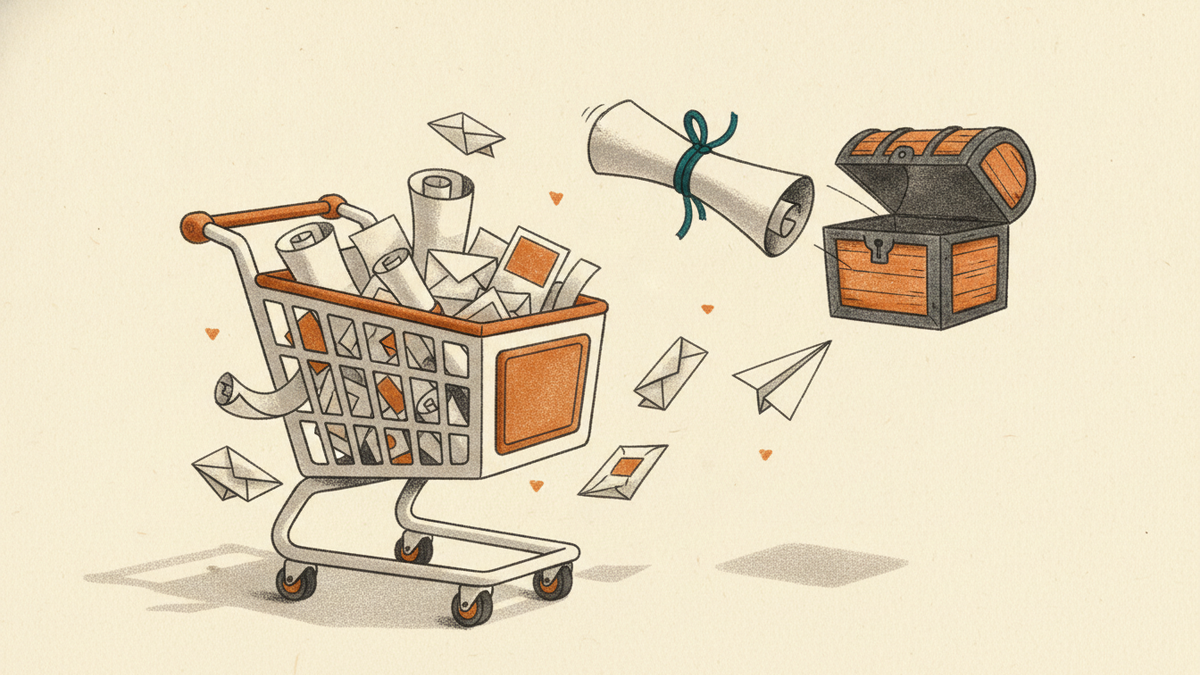
Your customer is one click away from buying. Then they disappear.
It happens all the time. A customer adds an item to their cart, maybe even starts the checkout process, and then vanishes. This is an "abandoned cart," and it's a huge opportunity for email marketers. Sending the right email at the right time can bring that customer back to complete their purchase.
These aren't cold leads. They've shown real interest. An abandoned cart email is a simple, automated way to remind them what they were missing.
Why abandoned cart emails work
They're incredibly effective because they are timely, relevant, and targeted. The customer was just looking at a specific product. You have all the information you need: who they are, what they wanted, and when they left.
A perfectly timed reminder can be the difference between a lost sale and a loyal customer. You're not being pushy; you're being helpful. Life gets busy. People get distracted. Your email can be the gentle nudge they need.
The three-email sequence: a simple plan
Don't just send one email and hope for the best. A short, automated series of emails is much more effective. Here’s a simple, proven structure you can set up in your Constant Contact account.
Email 1: The gentle reminder (send after 1-3 hours)
This first email is a soft touch. The goal is to simply remind the customer about the items they left behind. Assume the best: maybe their browser crashed, their kid distracted them, or they had to run to a meeting.
What to include:
- A clear subject line: Something like, "Did you forget something?" or "Your cart is waiting."
- Images of the products: Show them exactly what they’re missing. Visuals are powerful.
- A direct link to their cart: Make it as easy as possible. One click should take them right back to checkout.
- Keep it simple. No discounts, no pressure. Just a friendly reminder.
Email 2: The helpful follow-up (send after 24 hours)
If the first email didn't do the trick, it's time for a slightly different approach. This email can introduce a little more urgency or offer help.
Maybe they had a question or ran into a technical issue. This is your chance to address potential problems before they become lost sales.
What to include:
- A customer-service-oriented subject line: Try "Can we help?" or "Still thinking it over?"
- Frequently asked questions: Include links to your shipping policy, return policy, or contact page.
- A sense of urgency (optional): Mention that items are selling fast or that their cart will expire. For example: "Your items are selling out!" or "We can only hold your cart for a limited time."
Email 3: The final offer (send after 3-5 days)
This is your last-ditch effort. If they haven't come back after two emails, a small incentive might be what it takes. A discount or free shipping can be a powerful motivator.
This isn't something you want to do in every email—you don't want to train customers to abandon carts just to get a discount. But as a final attempt to recover the sale, it can be very effective.
What to include:
- A subject line with the offer: Be direct. "A special offer just for you" or "15% off to complete your purchase."
- The discount code: Make it clear and easy to apply.
- A final call to action: This is their last chance. Use clear, direct language like "Complete your order now."
Best practices for your abandoned cart emails
Getting the sequence right is the first step. Making the emails great is the next.
Write compelling subject lines
Your subject line is the first thing your customer sees. It has to be good. Keep it short, personal, and intriguing. You can add the customer's name or the name of a product they left in their cart.
A great subject line gets opened. A boring one gets ignored. Spend time crafting a few options and see what works best for your audience.
Show the products clearly
Don't just tell them what they left behind; show them. High-quality product images are non-negotiable. It jogs their memory and reminds them of what they wanted in the first place.
Include the product name, price, and a clear "Return to Cart" button right next to the item. Reduce friction. Make it easy.
Keep the design clean and focused
Your abandoned cart email has one job: to get the customer to complete their purchase. Don't distract them with other offers, links to your blog, or social media icons.
Use a clean, simple layout. The focus should be on the abandoned items and the call to action. Use your brand's colors and fonts, but keep the design minimal and on-task. Stick to a single, clear call to action (CTA).
Make the call to action unmissable
The "Complete Your Purchase" or "Return to Cart" button should be big, bold, and impossible to miss. Use a contrasting color to make it pop. The text should be clear and action-oriented.
Don't make them hunt for it. The entire email should guide their eye directly to that button.
Nail the timing
The timing we outlined above is a great starting point, but you should test what works for your specific store and customers.
Some brands find success sending the first email within 30 minutes. Others wait a few hours. Set up an A/B test in your email platform to see which send time converts better for you. The key is to find that sweet spot between being helpful and being annoying.
You have the tools. You have the plan. Now go set up your abandoned cart emails in Constant Contact and start recovering those lost sales.